01 / AUTODESK INVENTOR
Change a parameter in context
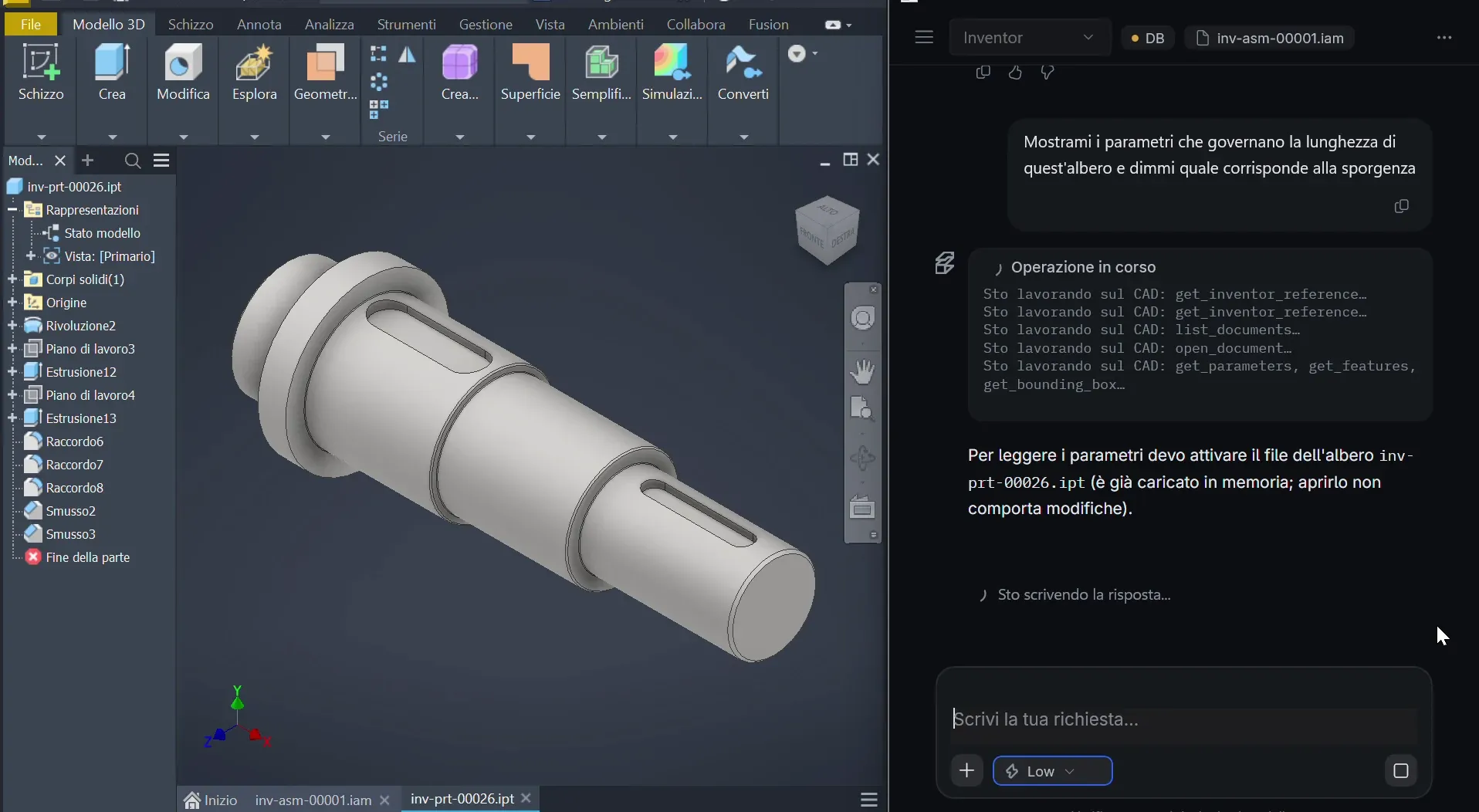
From reading parameters to changing shaft protrusion and examining the assembly.
The summary separates final measurements from reconstructed initial values: different evidence.
Workflows and demos
Eight Autodesk Inventor recordings and three guided workflows: parametric changes, component comparison, drawings and quality checks. Product inputs, steps and checks, not customer testimonials or savings measurements.
Book a demoFrom reading parameters to changing shaft protrusion and examining the assembly.
The summary separates final measurements from reconstructed initial values: different evidence.
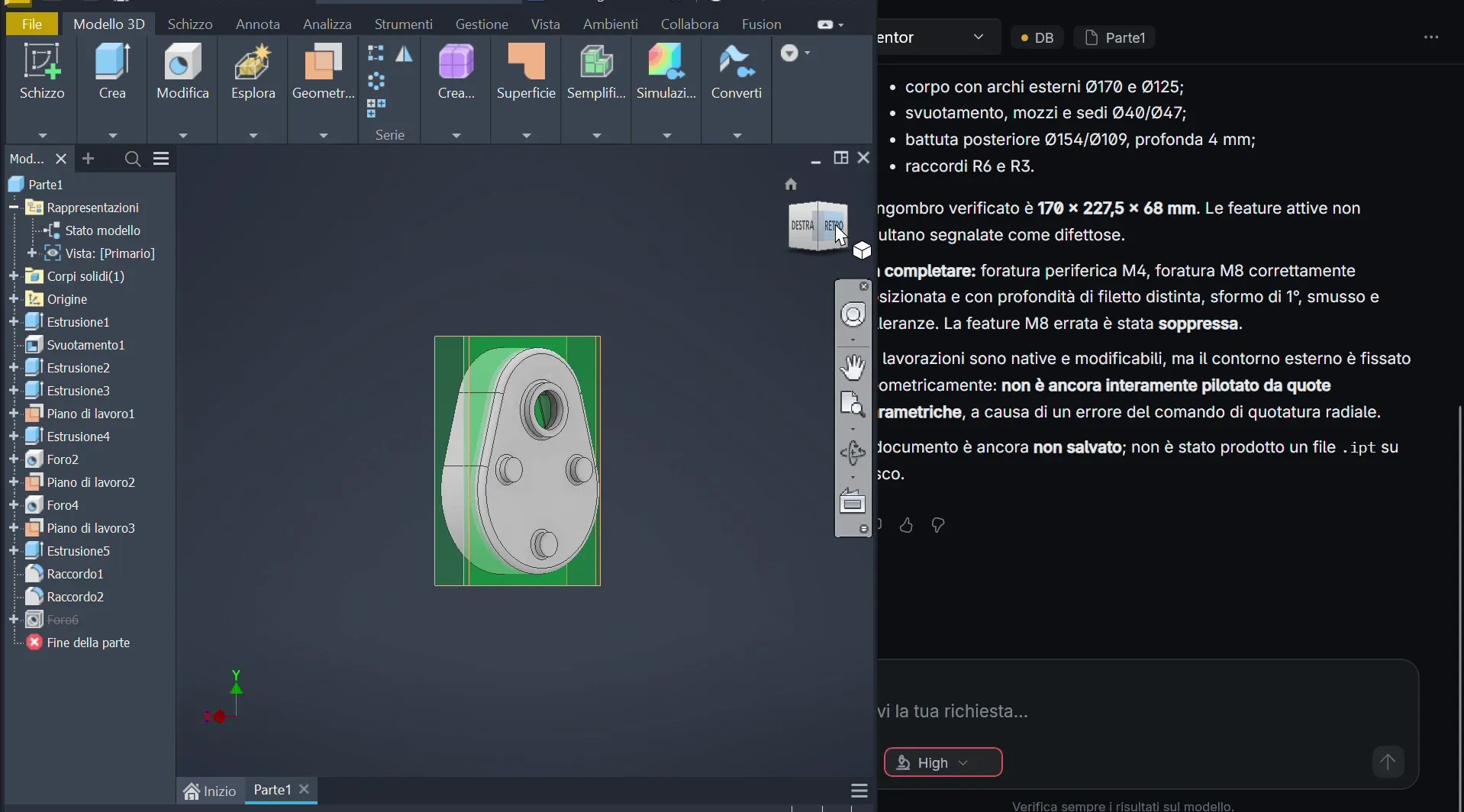
Reconstructing a housing from a drawing with native sketches and features, keeping unspecified details separate.
The engineer reviews the model, checking dimension interpretation and geometry.
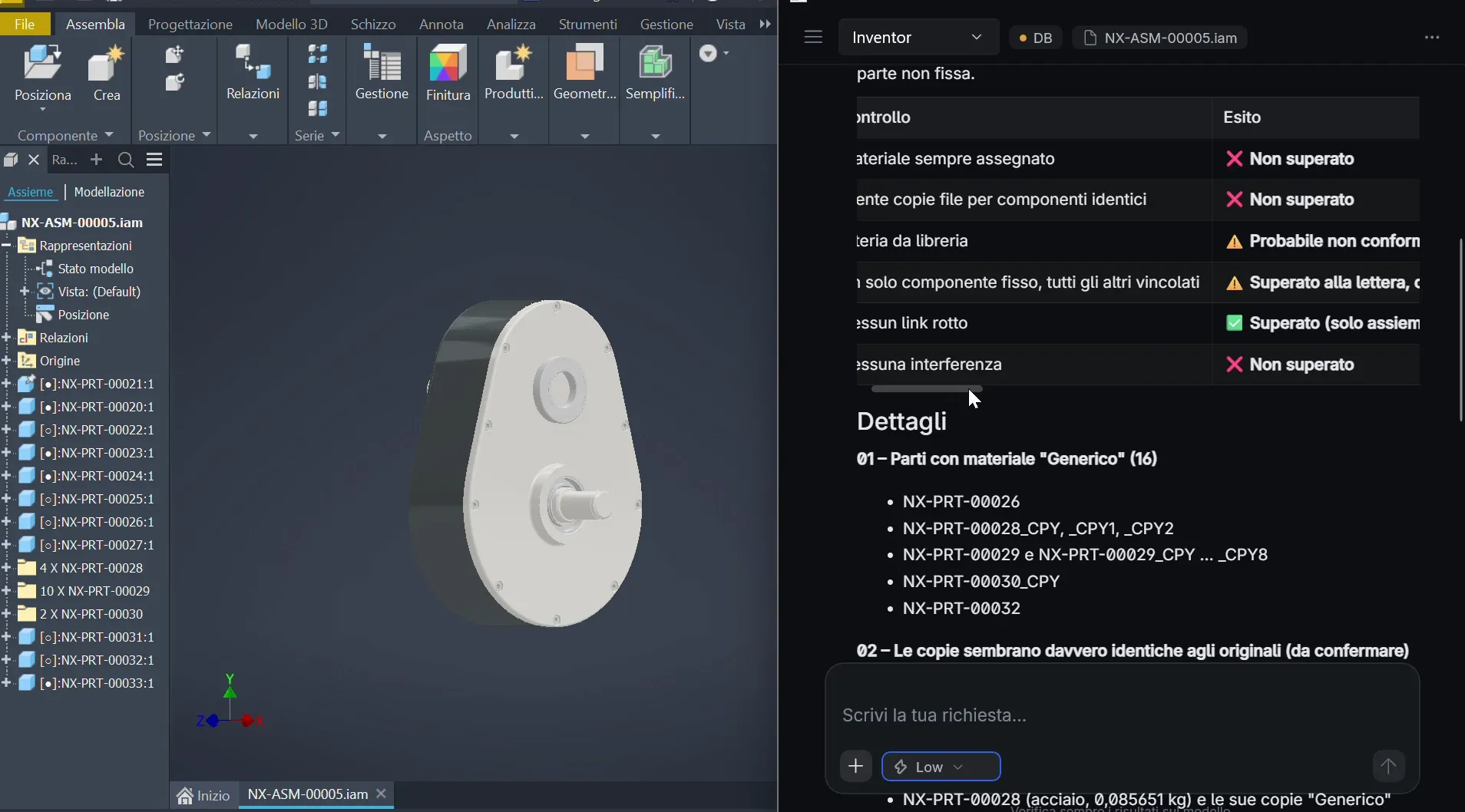
Checks of duplicates, materials, constraints and interference in the model, with corrective actions to confirm.
Nominal screw overlaps require engineering interpretation; they are not automatically defects.
Sessions on specific Autodesk Inventor models, with an Italian interface, processing time and original audio. Subtitles are not guaranteed; excerpts on Product pages are silent.
WORKFLOW 01 / AUTODESK INVENTOR / 11:36
Shaft parameters, protrusion changes and effects on geometry, interference and mass. The summary separates final measurements from reconstructed values.
WORKFLOW 02 / AUTODESK INVENTOR / 04:39
Comparing two subassemblies: components, materials, masses and shaft dimensions, with a tabular summary of their differences.
WORKFLOW 03 / AUTODESK INVENTOR / 11:11
Comparing pump flanges and constraints to assess effects on the gasket, screws and body. Geometric estimates require verification in the model.
WORKFLOW 04 / AUTODESK INVENTOR / 05:41
A requested 1 mm increase in crosspiece pin diameters: analysis of bushings and fork seats, constraint inspection and dimension checks.
WORKFLOW 05 / AUTODESK INVENTOR / 03:44
Preparing a simplified flange drawing in Inventor while leaving the source component unchanged.
WORKFLOW 06 / AUTODESK INVENTOR / 07:49
Reconstructing a housing with native sketches and features, distinguishing dimensions in the drawing from unspecified details.
WORKFLOW 07 / AUTODESK INVENTOR / 05:28
Guided checks for duplicates, materials, constraints and interference. Corrections require confirmation; nominal screw overlaps need engineering interpretation.
WORKFLOW 08 / AUTODESK INVENTOR / 12:09
A drawing draft from the component with views and annotations, for review. Missing functional information must be confirmed, not invented.
Bring a model, software version and required operation: agree inputs, checks and evaluation criteria before the demo.
Talk to the technical team