Model and revision
CAD describes the product through 3D models, 2D drawings, geometry, parameters and assemblies. The revision identifies the reference configuration for data and checks.
Integrations
NEOCAD connects CAD tools with PDM, PLM and ERP systems, bringing product data and business context into everyday engineering work. It integrates with the software you already use, without replacing it.
Book a demo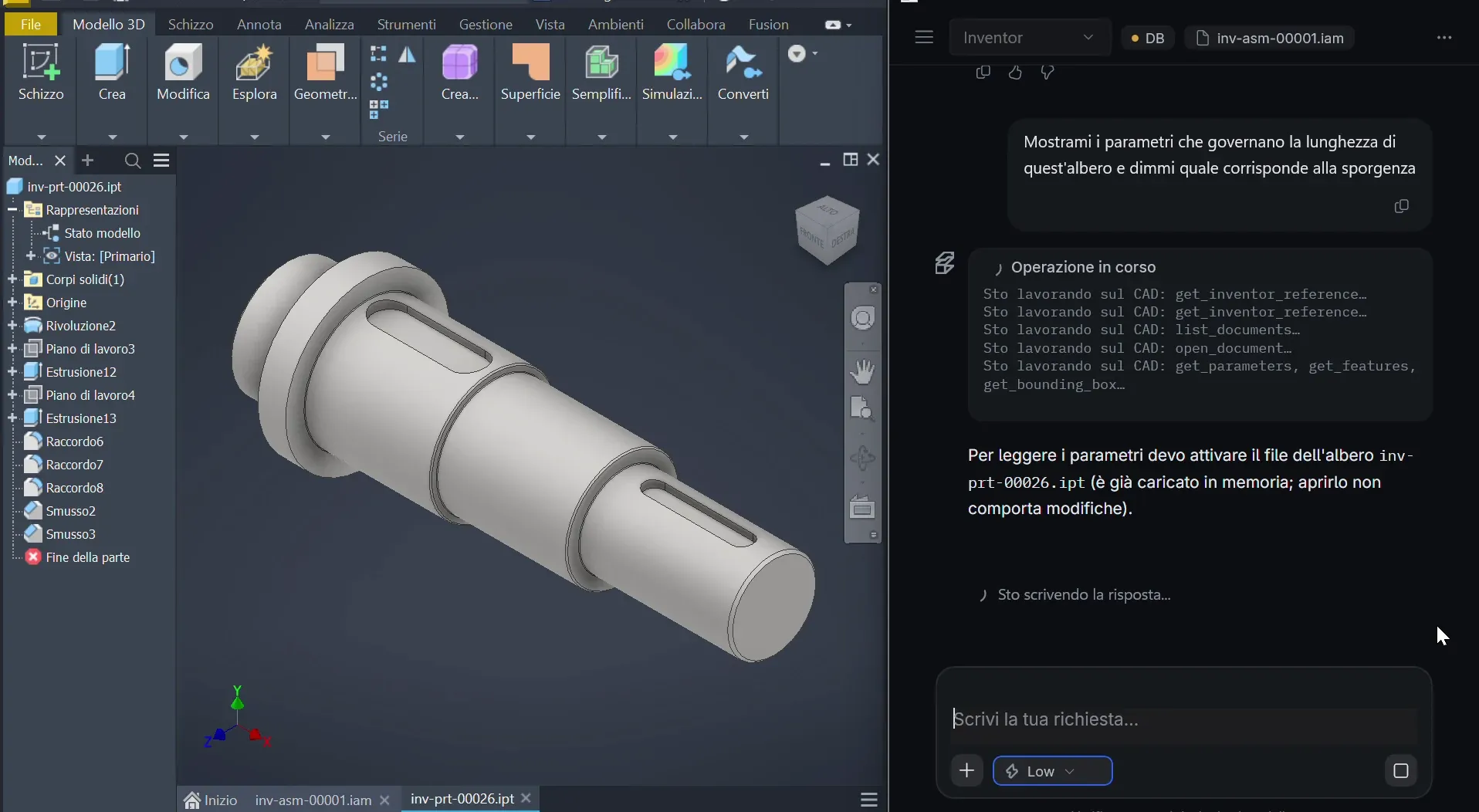
 Brand — Dassault SystèmesCATIACAD models and drawingsCAD
 Brand — SiemensSiemens NXCAD models and drawingsCAD
 Brand — SOLIDWORKSSOLIDWORKSCAD models and drawingsCAD
 Brand — PTCPTC CreoCAD models and drawingsCAD
 Brand — AutodeskAutodesk InventorCAD models and drawingsCADBrand — AutodeskAutoCADCAD models and drawingsCADBrand — SiemensSolid EdgeCAD models and drawingsPDMBrand — SOLIDWORKSSOLIDWORKS PDMDocuments and revisionsPDMBrand — AutodeskAutodesk VaultDocuments and revisionsPLMBrand — SiemensTeamcenterDocuments and revisionsPLMBrand — PTCWindchillDocuments and revisionsERP
 Brand — MicrosoftMicrosoft DynamicsBusiness dataERP
 Brand — SAPSAPBusiness data
| System | Category |
|---|---|
| CATIA | CAD |
| Siemens NX | CAD |
| SOLIDWORKS | CAD |
| PTC Creo | CAD |
| Autodesk Inventor | CAD |
| AutoCAD | CAD |
| Solid Edge | CAD |
| SOLIDWORKS PDM | PDM |
| Autodesk Vault | PDM |
| Teamcenter | PLM |
| Windchill | PLM |
| Microsoft Dynamics | ERP |
| SAP | ERP |
CAD describes the product through 3D models, 2D drawings, geometry, parameters and assemblies. The revision identifies the reference configuration for data and checks.
SOLIDWORKS PDM, Autodesk Vault, Teamcenter and Windchill connect engineering documents, revisions and product data to NEOCAD.
Microsoft Dynamics and SAP connect business data to engineering work. Recorded costs remain distinct from should-cost estimates.
Parameters · assembly · drawings
Components · documents · lifecycle
Source · date · nature of the value
Project context · reference model and revision
Tell us your CAD, PDM, PLM and ERP systems: we will define setup, access and workflows with your team.
The technical archive and knowledge graph are on-premise; the LLM runs in a private cloud. Review access and flows with the IT team; no guarantees beyond those documented.
Architecture and security